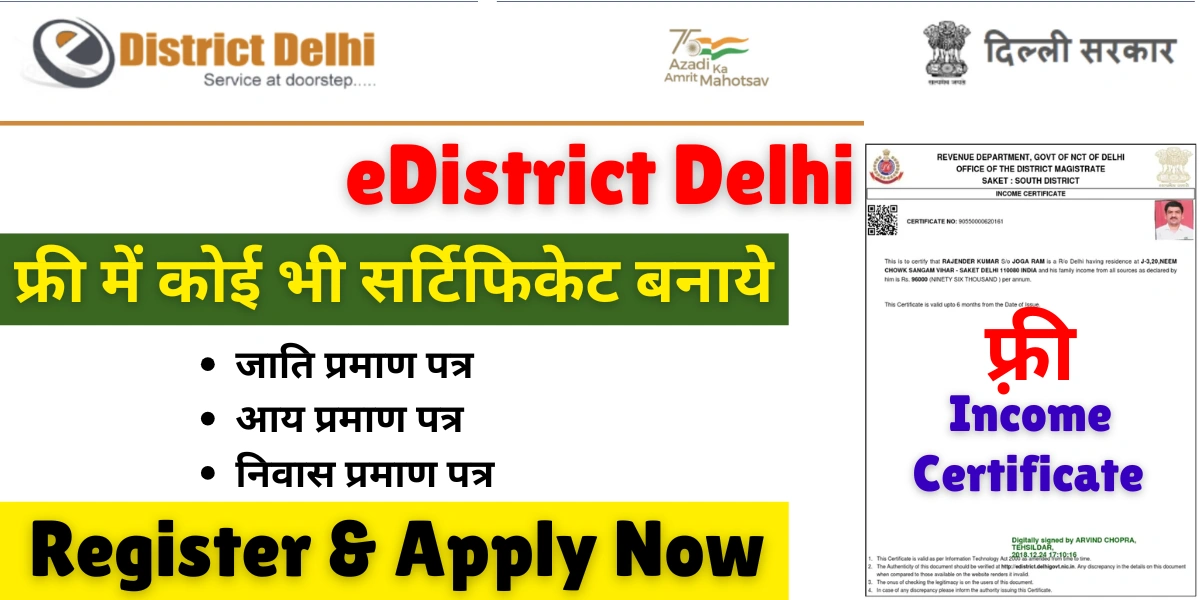
The e District Delhi Portal is an innovative initiative by the Government of the National Capital Territory (NCT) of Delhi, aimed at providing seamless online public service delivery. The portal brings essential citizen services under one digital umbrella, allowing residents to apply for certificates, register online, track application status, and download issued certificates all from the comfort of their homes. It supports the vision of a Digital India and eliminates the need to visit government offices physically.
This guide will walk you through the entire process from registration to applying, printing, and tracking your certificate on the e-District Delhi.
Key Objectives of e District Delhi Website
- Convenience and Accessibility – Citizens can access services 24×7 without visiting government departments.
- Transparency – Online processing minimizes corruption and reduces manual delays.
- Efficiency – Automated tracking and electronic certificates ensure faster turnaround.
- Paperless Governance – Reduces the need for physical documents by supporting digital uploads and downloads.
- Centralized Platform – Offers multiple services like income, domicile, caste, and birth/death certificates from one unified portal.
List of Services Available on e-District Delhi Portal
The e District platform provides a wide range of citizen-centric services, including:
- Certificates:
- Income Certificate
- Domicile Certificate
- Caste Certificate (SC/ST/OBC)
- Birth and Death Certificate
- Marriage Certificate
- Disability Certificate
- Social Welfare Services:
- Old Age Pension
- Widow Pension
- Financial Assistance Schemes
- Utility and Licensing Services:
- Trade Licenses
- Ration Card Related Requests
- Right to Information (RTI) Applications
- Grievance Redressal and Online Verifications
These services are available to all residents of Delhi with valid identification and address proof.
How to Register on the eDistrict Delhi Portal?
Before availing any service, you must register yourself as a user on the eDistrict Delhi platform. Follow these steps:
Step 1: Go to : https://edistrict.delhigovt.nic.in/
Step 2: Click on “New User Registration” You’ll find this option under the “Citizen’s Corner” or the homepage login section.
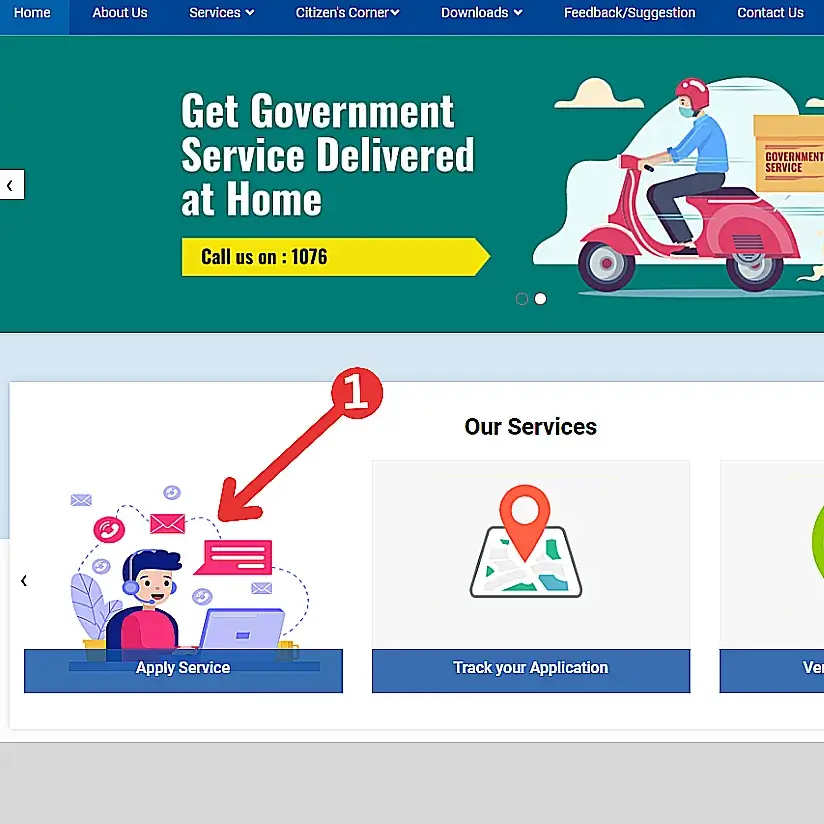
Step 3: Fill the Registration Form with required details such as:
- Full Name
- Gender
- Date of Birth
- Mobile Number
- Email ID
- Address and Locality (as per Aadhaar)
- Document details (Aadhaar or Voter ID)
Step 4: After that an OTP will be sent to your registered mobile number. Enter OTP to verify your identity.
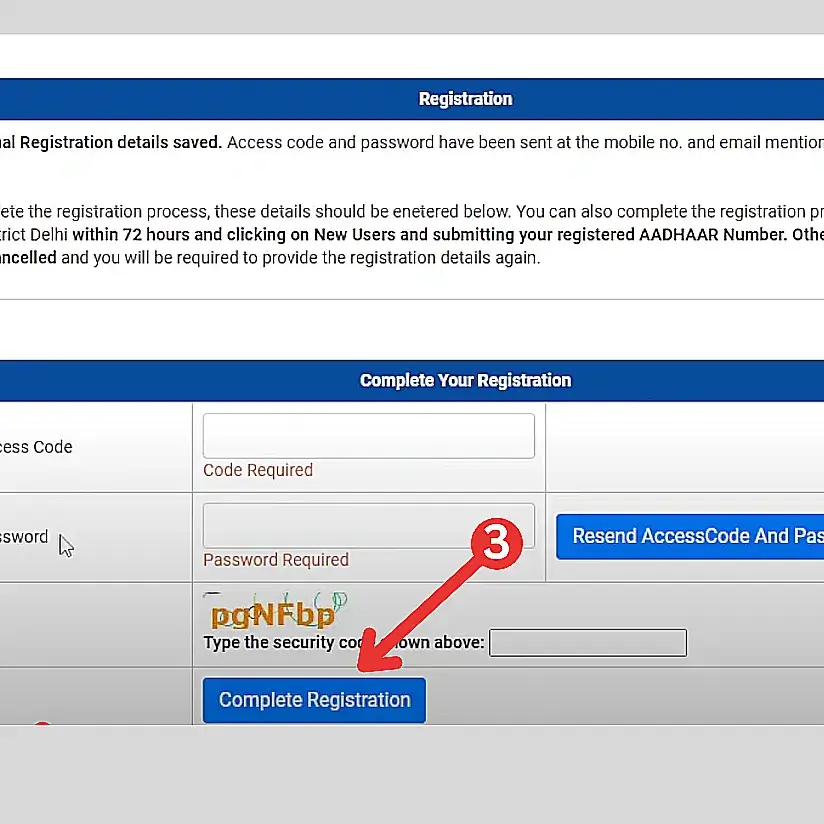
Step 5: After verification, create a strong password. Your e District Delhi account is now active and ready to use.
How to Apply for Certificates Online?
Once you have registered, you can easily apply for certificates through the following process:
Step 1: Login to Your Account
Visit the portal and log in using your User ID and Password.
Step 2: Choose the Type of Certificate
From the dashboard, select the service you wish to apply for (e.g., Income Certificate, Domicile Certificate, etc.).
Step 3: Fill the Application Form
Provide accurate details such as:
- Applicant’s Name
- Father/Mother’s Name
- Residential Address
- Purpose of the certificate
- Contact details
Step 4: Upload Required Documents
Common documents include:
- Aadhaar Card
- Voter ID/Passport
- Ration Card
- Electricity/Water Bill (Proof of Residence)
- Self-declaration or Affidavit (as applicable)
Ensure all uploads are in the prescribed format and under the size limit.
Step 5: Submit Application
Review your details carefully and click “Submit”. Upon submission, a unique Application Number will be generated. Note it down for future reference.
How to Track Application Status?
You can easily track the progress of your application in real-time.
- Step 1: Go to official website: https://edistrict.delhigovt.nic.in/
- Step 2: Click on “Track Your Application” under the Citizen’s Corner section.
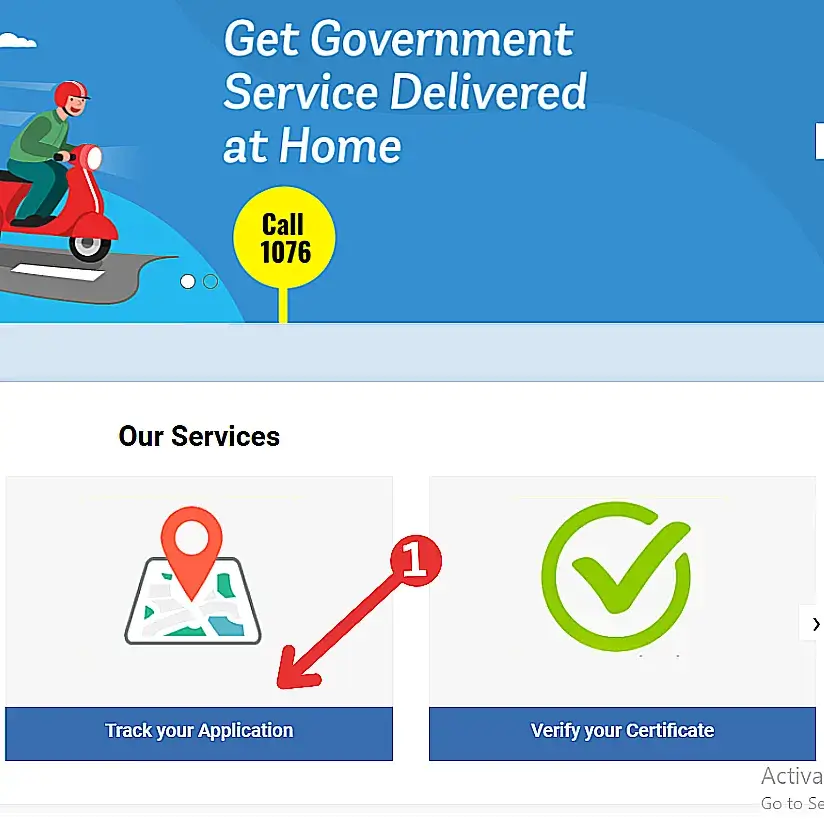
- Step 3: Select the Department and Applied Service.
- Step 4: Enter your Application Number and Applicant’s Name.
- Step 5: Click on “Search”.
Your current application status — whether under review, approved, or rejected — will be displayed on the screen.
How to Download or Print Certificate?
Once your certificate is approved, it can be downloaded and printed directly from the portal.
- Log in to your e-District Delhi account.
- Go to “Track Your Application” or “Print/Download Certificate.”
- Enter your Application Number and Captcha.
- Click “Continue” to view and download the digital certificate (in PDF format).
All certificates issued through e District Delhi are digitally signed and legally valid under the IT Act, 2000.
Benefits of e District Delhi Portal
- Time-Saving: Apply for government services anytime, anywhere.
- Reduced Human Interaction: Minimizes the need to visit government offices.
- Transparency and Accountability: Track your application step by step.
- Secure Digital Certificates: Easily verifiable by any government department.
- Cost-Effective: Eliminates middlemen and travel expenses.
Helpline and Support
If you face any issues related to registration, application, or downloading certificates, you can contact:
- Helpline Number: 1076 (Delhi Government Helpline)
- Email Support: edistrict-delhi@nic.in
- Nearest SDM Office: Visit your respective district office for offline assistance.
For technical support, the portal also has a “Contact Us” section providing specific contact details for each district.
FAQs For e-district Delhi
The e District Delhi Portal provides online access to government services like certificates, licenses, and application tracking for Delhi residents.
Visit edistrict.delhigovt.nic.in, click “New User Registration,” enter your details, verify mobile number, and create a secure login password.
Go to “Track Your Application,” enter your application number, select department and service type, then click “Search” to view status.
Yes, after approval, log in and use the “Print/Download Certificate” option to get your digitally signed document in PDF format.