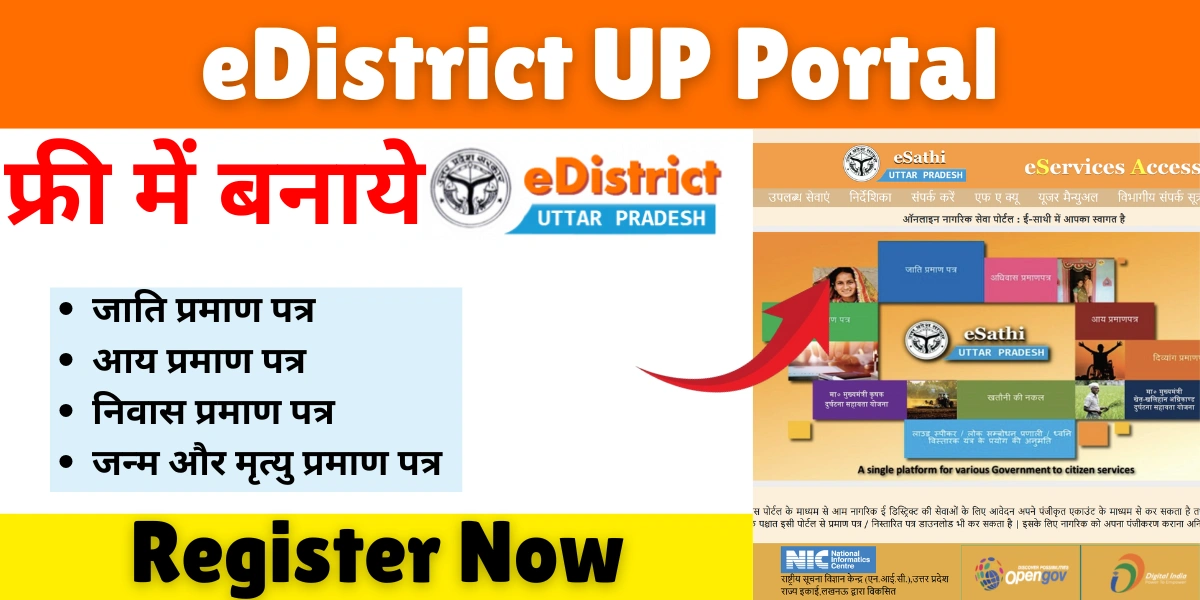
In today’s digital era, the government of India has been actively promoting e-governance to bring public services closer to citizens through digital platforms. One of the best examples of this initiative is the eDistrict UP portal, launched by the Government of Uttar Pradesh. The portal is designed to make the process of availing government services faster, more transparent, and convenient.
Through eDistrict UP, residents can easily apply for certificates, check application status, and access a variety of welfare services online without visiting government offices in person.
What is eDistrict UP?
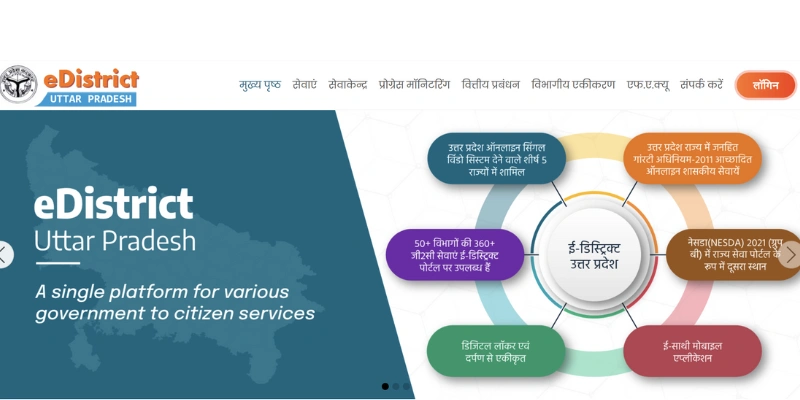
eDistrict UP is an official online platform developed by the Uttar Pradesh State Government under the National e-Governance Plan (NeGP). It serves as a one-stop digital solution for citizens to access a wide range of government services electronically.
The portal allows users to apply for important documents like:
- Caste Certificate (जाति प्रमाण पत्र)
- Income Certificate (आय प्रमाण पत्र)
- Residence Certificate (निवास प्रमाण पत्र)
- Birth and Death Certificates
- Domicile and Character Certificates
- Old-age Pension, Widow Pension, and other social welfare schemes
By moving these services online, the government aims to minimize corruption, reduce paperwork, and ensure faster service delivery to every household in Uttar Pradesh.
Objectives of eDistrict UP
The eDistrict UP portal was launched with a vision to simplify public administration and improve transparency. Its main objectives include:
- Digital Empowerment – Providing government services digitally so citizens can apply from anywhere at any time.
- Transparency – Eliminating middlemen and manual intervention to reduce corruption.
- Efficiency – Ensuring faster processing of government services.
- Accountability – Tracking applications and holding officials accountable for timely delivery.
- Convenience – Enabling citizens to access all services through a single platform.
In short, eDistrict UP helps bridge the gap between citizens and government departments through seamless online communication.
Key Features of e District UP
The Edistrict portal has been designed to be user-friendly, offering easy navigation and access to essential services. Here are some of its most notable features:
1. Online Application System
Citizens can apply for various certificates or schemes online without physically visiting a government office. The online form submission saves time and eliminates the hassle of standing in long queues.
2. Application Status Tracking
After applying, users can check the status of their application in real-time using the “Application Status” section on the homepage. This enhances transparency and allows citizens to stay informed.
3. Download Approved Certificates
Once the certificate is approved, it can be downloaded directly from the portal. Digital certificates are valid and can be used for official purposes.
4. CSC and Lokvani Integration
For people who are not comfortable with online processes, the government has integrated Common Service Centers (CSCs) and Lokvani Kendras, where trained operators assist citizens with eDistrict services.
5. Multilingual Support
The portal offers content in both Hindi and English, ensuring that all citizens can access services in the language they are most comfortable with.
6. Grievance Redressal System
In case of issues, citizens can register complaints or grievances through the portal, ensuring a responsive and citizen-friendly governance process.
How to Register on eDistrict UP?
Before availing of any services, users need to register themselves on the eDistrict UP website. Here’s a step-by-step process:
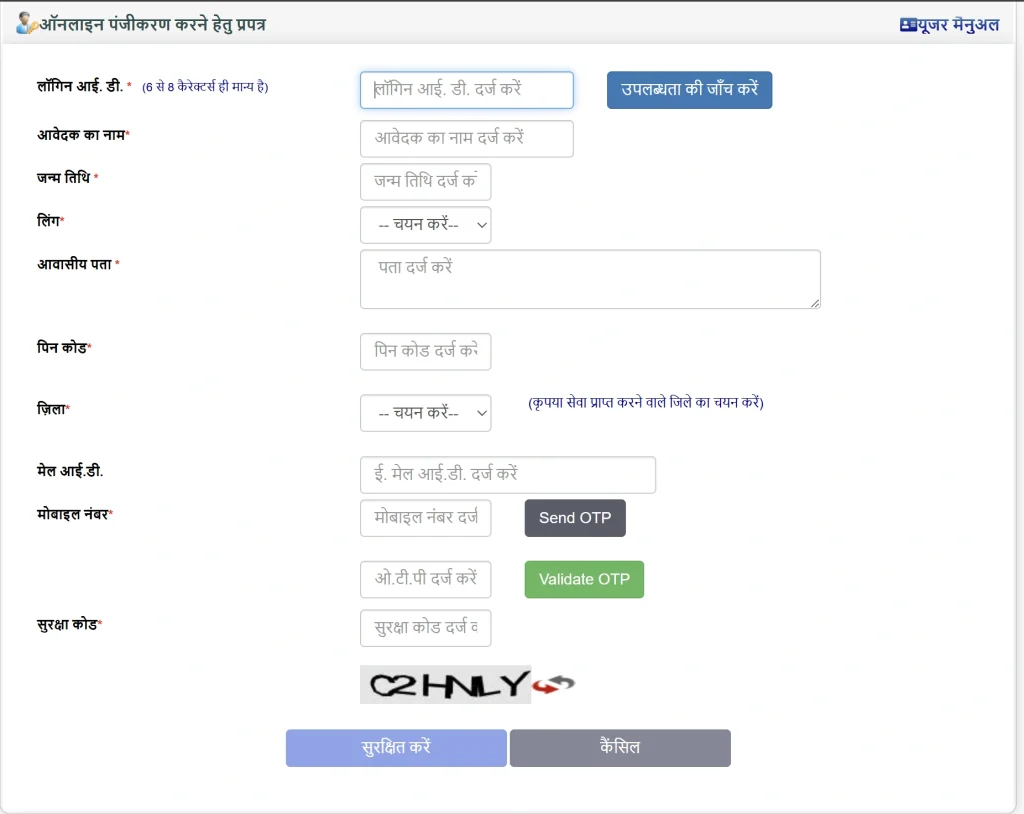
- Visit the official website: https://edistrict.up.gov.in/
- Click on ‘Citizen Login’ or ‘New User Registration’.
- You will redirect to https://esathi.up.gov.in/.
- Fill in your personal details, such as name, email ID, and mobile number.
- Create a username and password for future login.
- After registration, a verification message or email will be sent for confirmation.
- Once verified, you can log in and access all available services.
How to Apply for Certificates?
Let’s take an example of applying for an Income Certificate (Aay Praman Patra):
- Log in to your eDistrict account.
- Click on the “Apply for Certificate” option.
- Choose “Income Certificate” from the list.
- Fill in the required details such as personal information, address, and purpose.
- Upload necessary documents like Aadhaar Card, PAN Card, and proof of income.
- Submit the form and note down the application number.
- Track the application using the “Application Status” link.
- Once approved, download your digital certificate.
The same process can be followed for other certificates like Caste or Residence Certificate.
Documents Required For UP Edistrict
While each service may have specific requirements, the commonly required documents include:
- Aadhaar Card or Voter ID
- Ration Card
- Passport-size Photograph
- Proof of Address (Electricity Bill, Water Bill, etc.)
- Proof of Income (Salary Slip or Employer Certificate)
- Mobile Number and Email ID
Checking Application Status
To check your application status:
- Visit https://edistrict.up.gov.in/
- Click on “Application Status” on the homepage.
- Enter your application number and captcha code.
- Click “Search” to view your current application progress.
The system will show whether the application is under process, approved, or rejected.
List of Services Available on eDistrict UP
Here’s a summary of popular services accessible on the portal:
1. Certificates
- Caste Certificate (जाति प्रमाण पत्र)
- Income Certificate (आय प्रमाण पत्र)
- Residence Certificate (आवास प्रमाण पत्र)
- Birth & Death Certificate (जन्म एवं मृत्यु प्रमाण पत्र)
- Domicile Certificate
2. Social Welfare Schemes
- Widow Pension Scheme
- Old Age Pension Scheme
- Divyang Pension Scheme
- Scholarship Applications
3. Revenue Department Services
- Land Record Verification
- Mutation Applications
- Property Tax Receipts
4. Public Distribution System (PDS)
- Ration Card Registration
- Beneficiary Status Check
5. Other Services
- Marriage Registration
- Character Certificate
- Police Verification Requests
The government continues to expand the number of services on the eDistrict platform to cover more departments.
Benefits of eDistrict UP Portal
- Time-saving: No need to visit government offices physically.
- Cost-effective: Reduces paperwork and unnecessary travel expenses.
- Transparency: Citizens can track every stage of their application online.
- Accessibility: The platform is available 24/7 from any device.
- Authenticity: Certificates downloaded from the portal carry digital signatures, making them valid for official purposes
Helpline and Support
If you face any technical or service-related issues, you can contact the eDistrict UP support team.
- Helpline Number: 0522-2304706 / 0522-2304707
- Email ID: helpdesk.edistrictup@gov.in
- Official Website: https://edistrict.up.gov.in/
You can also visit your nearest CSC center for assistance.
Top FAQs About eDistrict UP
eDistrict UP is an online portal by the Uttar Pradesh Government for applying and downloading various citizen certificates easily.
Visit edistrict.up.gov.in, register or log in, choose your service, fill details, upload documents, and submit the application.
Go to “Application Status” on the eDistrict UP website, enter your application number, and view current processing status online.
Aadhaar Card, proof of residence, income details, and passport-size photo are essential for most eDistrict UP applications.